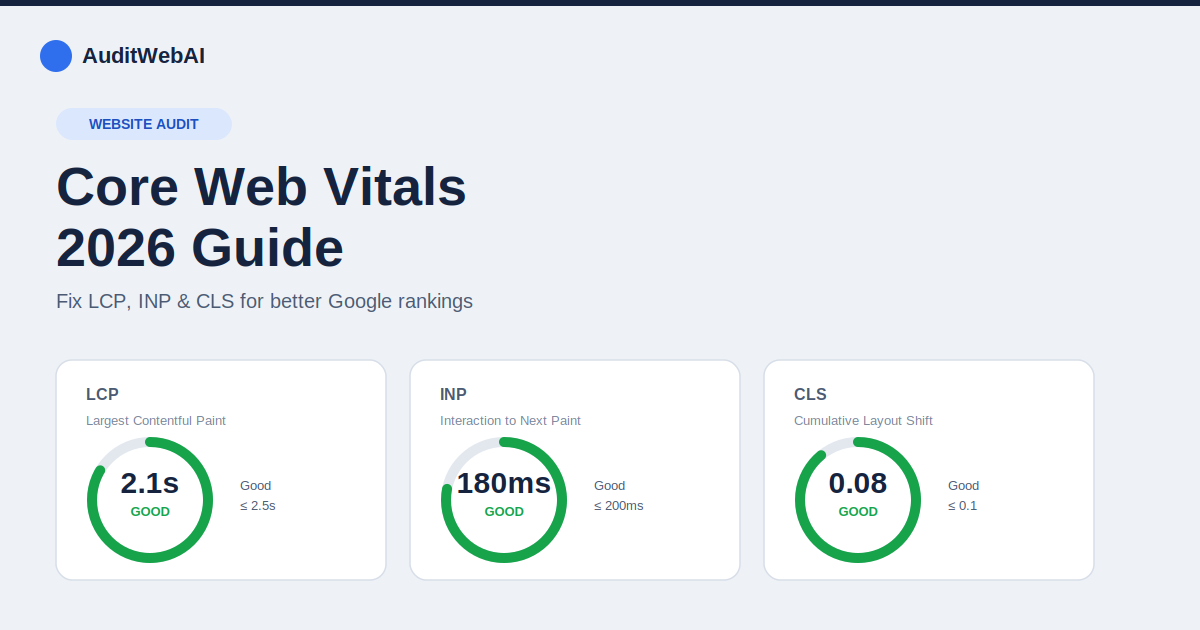
If Google Search Console or your PageSpeed Insights report is flashing red next to LCP, INP, or CLS, you're not alone — as of early 2026, only around 56% of websites pass all three Core Web Vitals thresholds, and mobile pass rates lag even further behind desktop. This guide breaks down exactly what each metric measures, the current 2026 thresholds, and the fixes that actually move the needle.
What Are Core Web Vitals?
Core Web Vitals are three field metrics Google uses to measure real-world page experience: how fast your content loads, how quickly your page responds to clicks and taps, and how visually stable your layout is while it loads. Unlike lab-only scores, Google ranks pages using field data collected from actual Chrome users through the Chrome User Experience Report (CrUX) — so a page can look great in a lab test and still fail in the real world if your actual visitors are on slower devices or networks.
The 2026 Core Web Vitals Thresholds
Each metric is scored at the 75th percentile of real visits, meaning at least 75% of your traffic needs a "Good" result for the page to pass.
| Metric | What it measures | Good | Needs Improvement | Poor |
|---|---|---|---|---|
| LCP (Largest Contentful Paint) | Loading speed — time until the largest visible element renders | ≤ 2.5s | 2.5s – 4.0s | > 4.0s |
| INP (Interaction to Next Paint) | Responsiveness — delay between a user's interaction and the next visual update | ≤ 200ms | 200ms – 500ms | > 500ms |
| CLS (Cumulative Layout Shift) | Visual stability — how much content unexpectedly shifts while loading | ≤ 0.1 | 0.1 – 0.25 | > 0.25 |
Note: INP officially replaced First Input Delay (FID) as the responsiveness metric in March 2024. If you're still optimizing for FID, you're optimizing for a metric Google no longer uses — switch your focus to INP.
Why Core Web Vitals Matter for Rankings and Revenue
Core Web Vitals are part of Google's page experience signals, and while content relevance still dominates rankings, CWV acts as a tiebreaker between pages of similar quality — often the deciding factor in competitive niches. Beyond rankings, the business case is even stronger: faster, more stable pages convert better, bounce less, and keep users engaged longer. A slow, jumpy page loses visitors before they even see your offer.
How to Check Your Core Web Vitals
- Google Search Console — the "Core Web Vitals" report groups your real pages by URL pattern using actual field data. This is the closest view to what Google uses for ranking.
- PageSpeed Insights — shows both field data (if enough traffic exists) and lab data side by side, plus specific fix suggestions.
- Chrome DevTools — use the Performance panel with CPU throttling (4x–6x) to simulate a real mid-tier mobile device.
- AuditWebAI — run a free website audit to get LCP, INP, and CLS scores alongside every other technical SEO and UX issue on your site in one report, without digging through multiple tools.
How to Fix a Poor LCP Score
- Compress and resize hero images — serve modern formats like WebP or AVIF, and never ship an image larger than it needs to display.
- Preload the LCP element — add
<link rel="preload">for your hero image or font so the browser fetches it immediately instead of discovering it late. - Upgrade your hosting or use a CDN — server response time (TTFB) is often the hidden cause of a slow LCP.
- Eliminate render-blocking CSS and JS — defer non-critical scripts and inline critical CSS above the fold.
- Avoid lazy-loading the LCP image itself — lazy-loading is great for below-the-fold images, but applying it to your hero image delays the metric Google is measuring.
How to Fix a Poor INP Score
- Break up long JavaScript tasks — any task blocking the main thread for more than 50ms delays every interaction. Split large functions using techniques like
scheduler.yield()orsetTimeoutchunking. - Reduce third-party script bloat — chat widgets, ad scripts, and analytics tags are common INP killers. Audit and remove what you don't need; load the rest with
async/defer. - Debounce input handlers — search boxes, filters, and live-validation forms should avoid running expensive logic on every keystroke.
- Minimize DOM size — a bloated DOM makes every re-render slower, which directly hurts responsiveness on interaction.
How to Fix a Poor CLS Score
- Always set width and height (or aspect-ratio) on images and video so the browser reserves space before the file loads.
- Reserve space for ads and embeds — use a fixed-size container instead of letting the layout jump when the ad loads.
- Avoid inserting content above existing content — banners, cookie notices, or promo bars that push the page down after load are a top CLS offender.
- Use
font-display: optionalor preload web fonts to prevent text reflow when custom fonts swap in.
Core Web Vitals Quick-Fix Checklist
- ☐ Hero image compressed, correctly sized, and preloaded
- ☐ No render-blocking CSS/JS above the fold
- ☐ Third-party scripts audited and deferred
- ☐ Long JavaScript tasks broken into smaller chunks
- ☐ Width/height set on all images and embeds
- ☐ Web fonts preloaded or set to
font-display: optional - ☐ Server response time (TTFB) under 200ms
- ☐ Verified in Search Console field data, not just a lab test
Frequently Asked Questions
Do Core Web Vitals directly boost rankings?
They're one of many ranking signals and mainly act as a tiebreaker when competing pages have similar content quality — but poor CWV also hurts conversions and user retention directly, which compounds the SEO impact over time.
What replaced First Input Delay (FID)?
Interaction to Next Paint (INP) officially replaced FID in March 2024. INP is stricter because it measures the worst interaction across an entire visit, not just the first one.
Why does my site pass in PageSpeed Insights but fail in Search Console?
PageSpeed Insights can show lab data, which is a single simulated test. Search Console uses real field data from your actual visitors — different devices, networks, and connection speeds — which is what Google uses for ranking.
Fix What's Actually Hurting Your Score
Guessing which element is dragging down your LCP or INP wastes time. Run a free AuditWebAI scan to get your exact Core Web Vitals breakdown alongside prioritized, AI-generated fixes — no guesswork required. Want the bigger picture first? Check out our Technical SEO Audit Checklist or learn 15 proven ways to improve your website SEO in 2026.