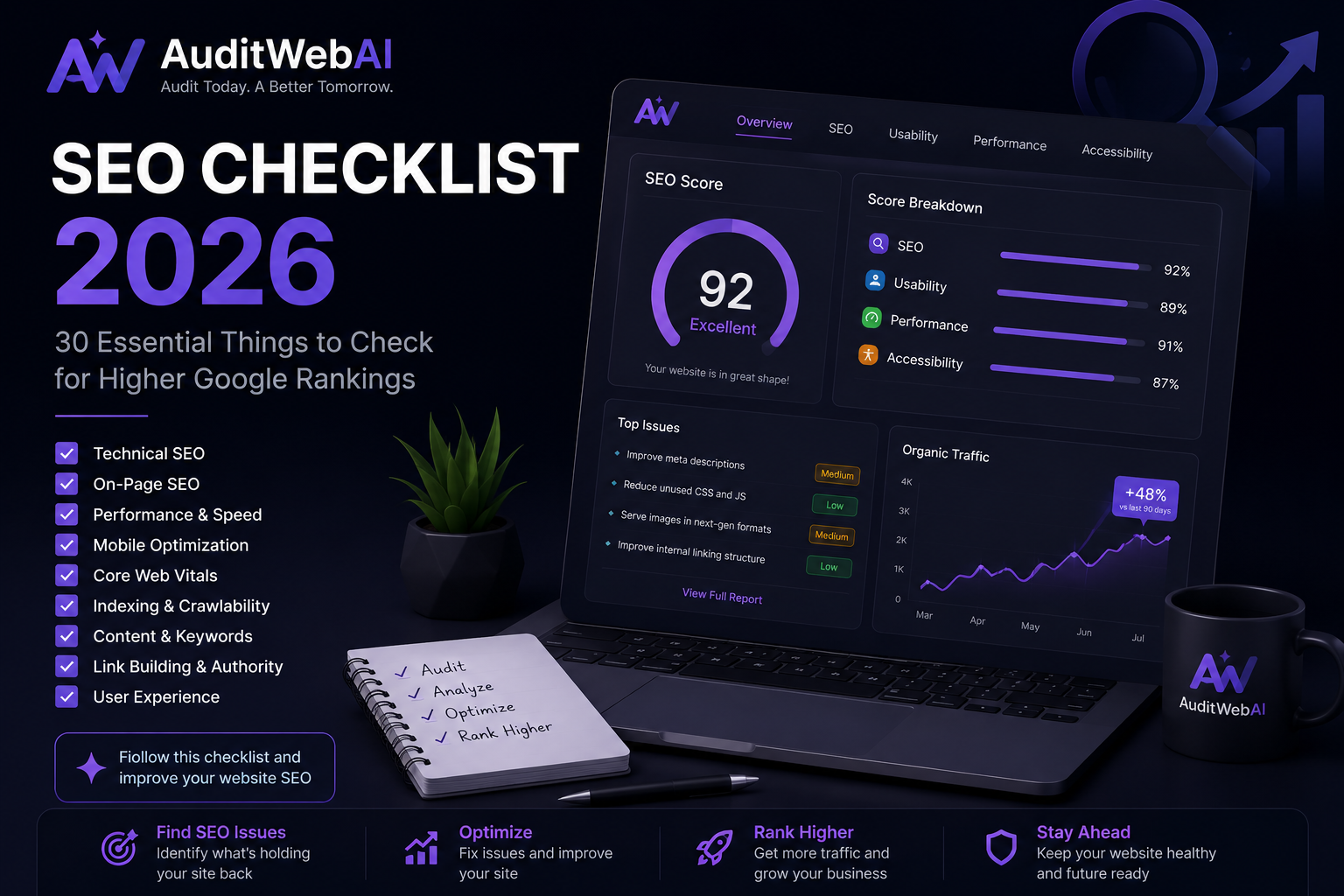
How to Improve Website SEO in 2026: 25 Proven Ways to Get More Google Traffic
Getting more traffic from Google is not just about adding more keywords to your website.
In 2026, successful SEO requires a combination of technical SEO, useful content, search intent, website performance, internal linking, mobile optimization and continuous measurement.
If your website has good content but Google is not sending enough visitors, the problem may not be your keywords alone.
Your website could have:
- Technical SEO problems
- Indexing issues
- Slow pages
- Weak internal linking
- Poor search intent matching
- Thin content
- Duplicate pages
- Weak page titles
- Poor mobile experience
- Missing optimization opportunities
The good news is that many of these problems can be identified and improved.
In this guide, you'll learn 25 practical ways to improve website SEO in 2026, increase organic visibility and build a stronger foundation for long-term Google traffic.
What Is Website SEO?
Website SEO, or Search Engine Optimization, is the process of improving a website so that search engines can better discover, understand and present its pages to people searching for relevant information.
SEO includes several areas:
- Technical SEO
- On-page SEO
- Content SEO
- Internal linking
- Website performance
- Mobile SEO
- Structured data
- Search intent
- Website architecture
- User experience
A successful SEO strategy combines these areas instead of focusing on one keyword or one ranking factor.
How to Improve Website SEO in 2026
Here are 25 practical strategies you can use to improve your website SEO.
1. Start With a Complete Website SEO Audit
Before changing your website, find out what is actually wrong.
A website SEO audit can reveal problems that are difficult to notice manually.
Check:
- Broken links
- Missing title tags
- Missing meta descriptions
- Heading problems
- Slow pages
- Mobile issues
- Indexing problems
- Internal linking
- Images
- Accessibility
- Technical errors
- Performance issues
Instead of randomly changing your website, start with an audit.
This gives you a list of problems that you can prioritize.
You can use a website SEO audit tool such as AuditWebAI to identify common SEO, UX, accessibility and performance issues.
2. Make Sure Google Can Crawl Your Website
Before Google can understand your content, it needs to access your pages.
Check your:
- robots.txt
- XML sitemap
- internal links
- server responses
- redirects
- JavaScript
- important resources
Make sure important pages are not accidentally blocked.
For example, if an important page is blocked by robots.txt, search engines may have difficulty accessing its content.
Google's current guidance continues to emphasize crawlability and technical accessibility for both traditional Search and generative AI search experiences.
3. Check Which Pages Google Has Indexed
Crawling and indexing are not the same thing.
A page can exist on your website but still not be indexed.
Use Google Search Console to investigate:
- Indexed pages
- Not indexed pages
- Crawled but not indexed
- Discovered but not indexed
- Pages blocked by robots.txt
- Pages with noindex
- Duplicate pages
- Canonical problems
Focus especially on pages that are valuable to your business.
You don't necessarily need every URL on your website indexed.
4. Improve Your Page Titles
The title tag is one of the first things users see in search results.
Compare:
Bad:
Homewith:
Better:
Website SEO Audit Tool – Find SEO Problems | AuditWebAIYour title should clearly communicate:
- What the page is about
- Who it is for
- What value it provides
Include your main topic naturally.
Avoid repeating the same keyword multiple times.
5. Write Better Meta Descriptions
A meta description helps explain what users can expect after clicking your search result.
For example:
Find SEO, performance, UX and accessibility issues with a website SEO audit and get actionable recommendations to improve your site.
A good meta description should be:
- Relevant
- Clear
- Useful
- Specific
- Written for users
Avoid keyword stuffing.
6. Match Search Intent
One of the biggest SEO mistakes is creating content that doesn't match what people actually want.
For example:
Someone searches:
They probably want:
- SEO tips
- Practical steps
- Examples
- Tools
- Technical recommendations
- Content strategies
If your page only talks about your product, it may not satisfy the search intent.
Give users the information they came for first.
Then naturally introduce your product or service where it makes sense.
7. Create Helpful, Original Content
Creating content simply because a keyword has search volume isn't enough.
Ask:
Does this article provide something useful that the reader couldn't easily get from ten other pages?
Add:
- Your own examples
- Screenshots
- Original research
- Practical steps
- Checklists
- Case studies
- Real experiences
- Unique explanations
Google's current guidance specifically recommends useful, reliable, non-commodity content rather than simply recycling information that already exists online.
8. Use Keywords Naturally
Keywords still help search engines understand topics.
But modern SEO is not about repeating one keyword 50 times.
For this article, the main topic is:
Related terms include:
- improve website SEO
- website SEO
- SEO tips
- SEO checklist
- technical SEO
- on-page SEO
- SEO audit
- SEO audit tool
- organic traffic
- Google rankings
- Core Web Vitals
- website performance
- Google Search Console
Use these naturally where they make sense.
9. Build Topic Clusters
Instead of publishing unrelated articles, create a connected group of content.
For AuditWebAI, your topic cluster could look like:
Main Topic
Supporting Articles
- How to Improve Website SEO in 2026
- Technical SEO Audit Checklist 2026
- AI Search Optimization 2026
- Core Web Vitals Guide
- Website Speed Optimization Guide
- On-Page SEO Checklist
- Common Technical SEO Problems
- Best SEO Audit Tools
- How to Fix Website SEO Errors
Connect these articles with relevant internal links.
This helps users discover related information across your website.
10. Improve Internal Linking
Internal links are links from one page on your website to another.
For example:
This article about improving website SEO can link to your:
Technical SEO Audit Checklist 2026
Your technical SEO article can then link back to this guide.
Use descriptive anchor text.
Instead of:
Click here
Use:
Learn how to perform a technical SEO audit
Good internal linking can help users discover related content and help search engines understand your site's structure.
11. Improve Website Speed
A slow website can create a poor user experience.
Check:
- Large images
- JavaScript
- CSS
- Fonts
- Third-party scripts
- Server response time
- Caching
- Compression
- Lazy loading
Start by finding the biggest performance problems instead of trying to optimize everything at once.
12. Optimize Core Web Vitals
Core Web Vitals measure important aspects of page experience.
The current Core Web Vitals include:
LCP
Largest Contentful Paint measures loading performance.
INP
Interaction to Next Paint measures responsiveness.
CLS
Cumulative Layout Shift measures visual stability.
Monitor these metrics for important pages.
Don't optimize only your homepage.
Check:
13. Make Your Website Mobile Friendly
A large percentage of web searches happen on mobile devices.
Your website should work properly on:
- Smartphones
- Tablets
- Laptops
- Desktop computers
Check:
- Navigation
- Font size
- Buttons
- Forms
- Images
- Popups
- Horizontal scrolling
- Page speed
A website that looks great on desktop but is difficult to use on mobile can lose potential visitors.
14. Fix Broken Links
Broken links can lead users to pages that don't exist.
Check for:
- 404 errors
- Deleted pages
- Incorrect internal URLs
- Broken external links
- Old blog links
Prioritize broken internal links on important pages.
If a page permanently moved, consider whether an appropriate redirect is needed.
15. Improve Your Website Architecture
Your website structure should be logical.
For example:
Homepage
   ↓
SEO Tools
   ↓
Website SEO Audit
   ↓
SEO Blog
   ↓
Technical SEO
Important pages shouldn't be hidden several levels deep without a good reason.
Make it easy for both users and search engines to understand how your pages relate to each other.
16. Optimize Images
Large images can negatively affect performance.
Before uploading images:
- Compress them
- Use appropriate dimensions
- Use modern formats where appropriate
- Add descriptive filenames
- Add useful ALT text
Example:
website-seo-audit-dashboard.webpis more descriptive than:
IMG_72819.jpgFor meaningful images, ALT text should describe the image naturally.
17. Use Descriptive URLs
A clean URL can help users understand what a page is about.
Example:
https://auditwebai.com/blog/how-to-improve-website-seo-2026is easier to understand than:
https://auditwebai.com/blog/post?id=23871Keep URLs:
- Short
- Descriptive
- Relevant
- Consistent
Avoid changing URLs unnecessarily once a page has established search visibility.
18. Optimize Your Headings
Use a clear heading structure.
For example:
H1: How to Improve Website SEO in 2026

H2: What Is Website SEO?

H2: How to Improve Website SEO

H3: Start With an SEO Audit

H3: Improve Website Speed

H3: Fix Broken Links
Your headings should help users scan the page.
Don't use headings just to insert keywords.
19. Use Google Search Console
Google Search Console is one of the most important free tools for SEO.
Monitor:
- Impressions
- Clicks
- CTR
- Average position
- Search queries
- Indexing
- Sitemaps
- Pages
- Search appearance
One particularly useful strategy is finding keywords where your page already receives impressions but doesn't receive many clicks.
These can become optimization opportunities.
20. Improve Pages Ranking on Positions 8–20
Don't only chase new keywords.
Look at pages already ranking around:
Positions 8–20
These pages may have an opportunity to move higher.
Try:
- Improving the title
- Improving search intent
- Adding missing information
- Adding internal links
- Updating outdated information
- Improving content structure
- Adding useful examples
Then monitor the results in Search Console.
21. Update Old Blog Posts
Publishing a new article every day isn't always better than improving existing content.
Review your old posts.
Look for:
- Declining traffic
- Outdated information
- Old statistics
- Broken links
- Missing sections
- Poor titles
- Weak internal links
Update articles that already have impressions and historical visibility.
22. Add FAQ Sections Where Useful
FAQ sections can help answer related questions clearly.
For example:
How can I improve my website SEO?
Start by auditing technical SEO, indexing, page speed, content, internal linking, mobile usability and search intent.
How long does SEO take?
SEO results vary significantly depending on competition, website quality, content, authority and the starting point of the website.
Can an SEO audit improve rankings?
An audit itself doesn't improve rankings. It identifies problems and opportunities that you can fix.
The important point is to answer questions genuinely useful to your audience.
23. Improve Website Trust
Make it easy for visitors to understand who operates your website.
Important pages may include:
- About
- Contact
- Privacy Policy
- Terms
- Pricing
- Services
- Company information
If your website provides tools or recommendations, explain what the tool does and how its results should be interpreted.
24. Monitor Your Search Performance After Every Major Change
SEO isn't a one-time task.
After publishing or updating a page:
- Make sure the page is accessible.
- Check the canonical URL.
- Check internal links.
- Submit or inspect the URL in Search Console when appropriate.
- Monitor impressions.
- Monitor clicks.
- Monitor CTR.
- Monitor ranking trends.
- Improve the page based on real data.
Don't judge an article only a few hours after publishing.
Give Google time to crawl, process and rank the page.
25. Keep Improving Based on Real Search Data
The most important SEO strategy is continuous improvement.
Your Search Console data can tell you:
- Which pages receive impressions
- Which queries show your pages
- Which pages receive clicks
- Which pages have low CTR
- Which topics Google associates with your site
Use this information to decide what to improve next.
For example:
If a page gets:
10,000 impressions + 100 clicks
you may have an opportunity to improve the title and search snippet.
If a page gets:
100 impressions + 20 clicks
you may need to expand its reach through better content, internal links and related topics.
How to Improve Website SEO With an SEO Audit
One of the easiest ways to start is by running a complete website audit.
An SEO audit can help identify:
- Technical SEO problems
- Broken links
- Missing metadata
- Performance problems
- UX issues
- Accessibility problems
- Content opportunities
AuditWebAI is designed to help website owners analyze these areas and turn audit findings into actionable improvements.
Instead of guessing what is wrong with your website, start with data.
Website SEO Checklist for 2026
Use this quick checklist:
- ✓ Website is crawlable
- ✓ Important pages are indexable
- ✓ Robots.txt is configured correctly
- ✓ XML sitemap is available
- ✓ Canonical URLs are correct
- ✓ HTTPS is enabled
- ✓ Website works on mobile
- ✓ Core Web Vitals are monitored
- ✓ Important pages load quickly
- ✓ Broken links are fixed
- ✓ Redirects are working correctly
- ✓ URLs are descriptive
- ✓ Titles are optimized
- ✓ Meta descriptions are useful
- ✓ Headings are structured
- ✓ Images are optimized
- ✓ ALT text is meaningful
- ✓ Internal linking is strong
- ✓ Content matches search intent
- ✓ Old content is updated
- ✓ Important pages have internal links
- ✓ Search Console is monitored
- ✓ Pages ranking 8–20 are reviewed
- ✓ Website architecture is clear
- ✓ Content is useful and original
How Long Does SEO Take to Work?
There is no universal timeline for SEO.
Results can depend on:
- Website age
- Competition
- Search intent
- Content quality
- Technical health
- Backlinks and authority
- Website history
- Industry
- Search demand
Some changes may produce improvements relatively quickly.
Other SEO strategies may take months.
The important thing is to measure progress instead of expecting overnight results.
Should You Publish More Blog Posts?
Publishing useful content can help your website cover more relevant topics.
But more content does not automatically mean more rankings.
A better strategy is:
Research → Create → Publish → Internal Link → Measure → Improve
Don't publish 100 low-quality articles just to increase your URL count.
Google's current guidance explicitly warns against creating large quantities of pages primarily to manipulate rankings or generative AI visibility.
What About AI SEO in 2026?
Search is changing rapidly.
Google's current Search guidance says its generative AI experiences, including AI Overviews and AI Mode, are built on core Search systems. That means traditional SEO fundamentals remain important.
Google has also introduced a Generative AI performance report in Search Console that can show impressions from AI Overviews and AI Mode for eligible properties.
This means your SEO strategy should not ignore AI search.
But you also don't need to abandon traditional SEO.
Focus on:
Helpful Content + Technical SEO + Search Intent + Strong Website Structure + Real User Value
Frequently Asked Questions
How can I improve my website SEO?
Start with a complete SEO audit, then improve technical SEO, indexing, page speed, Core Web Vitals, mobile usability, content quality, search intent and internal linking.
How do I get more Google traffic?
Create useful content around topics your audience searches for, optimize existing pages, improve technical SEO, strengthen internal links and use Google Search Console to identify opportunities.
What is the best SEO strategy for 2026?
A strong SEO strategy combines technical SEO, helpful content, search intent, website performance, internal linking, topical authority and continuous measurement.
How can I check my website SEO?
You can use Google Search Console for search and indexing data and an SEO audit tool to identify technical, content, UX and performance issues.
Does website speed affect SEO?
Website performance is an important part of page experience. Improving speed can make your website easier and more enjoyable to use, especially on mobile devices.
How often should I audit my website?
Many websites can benefit from a detailed SEO audit every few months, with ongoing monitoring for important technical and search performance issues.
Can blogging increase website traffic?
Yes, useful blog content can help a website appear for more relevant searches. However, publishing more articles alone does not guarantee more traffic. Content needs to satisfy search intent and provide real value.
Can an SEO audit guarantee higher rankings?
No. An SEO audit identifies problems and opportunities, but no legitimate SEO tool can guarantee a specific Google ranking.
Final Thoughts
Improving website SEO in 2026 is not about finding one secret Google ranking trick.
It is about building a website that is:
Technically healthy.
Easy to understand.
Fast and mobile friendly.
Useful to visitors.
Well connected through internal links.
Focused on real search intent.
Continuously improved using data.
Start with an SEO audit.
Find the biggest problems.
Fix the technical issues.
Improve your content.
Build useful topic clusters.
Monitor Google Search Console.
Then continue improving.
If you want to quickly identify SEO, UX, accessibility and performance issues on your website, you can use AuditWebAI to run a website audit and turn the results into actionable optimization tasks.