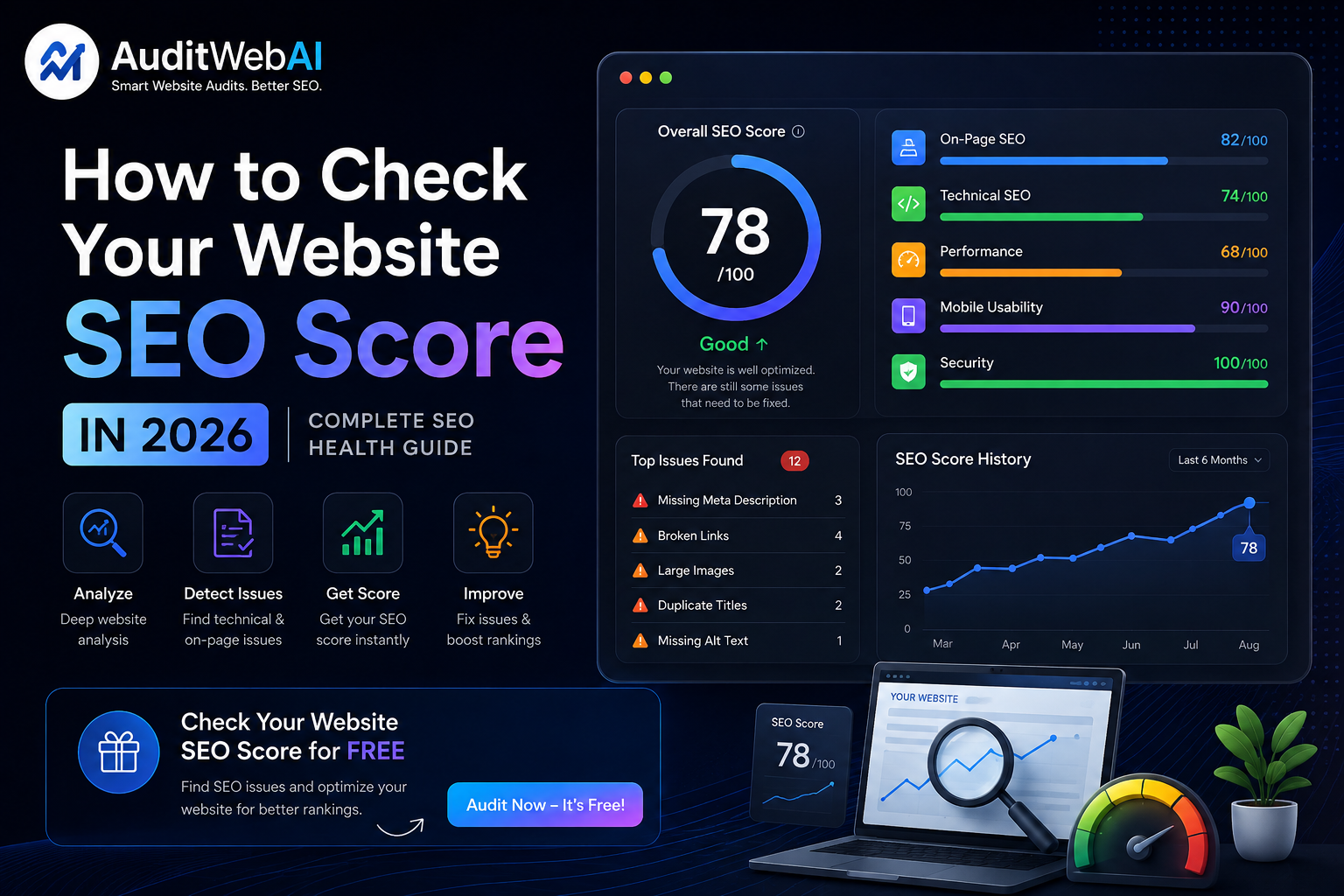
How to Check Your Website SEO Score in 2026: Complete SEO Health Guide
If you own a website, you may have asked yourself:
"Is my website actually optimized for Google?"
Your website may look great, load correctly, and have plenty of content. But that does not necessarily mean that its SEO is healthy.
Important problems can exist behind the scenes, including missing title tags, poor heading structure, broken links, indexing issues, incorrect canonical URLs, slow pages, missing image ALT text, weak internal linking, or mobile usability problems.
This is why checking your website SEO score can be a useful starting point.
An SEO score is not a guarantee of higher Google rankings. Instead, it is a diagnostic indicator that can help you identify areas of your website that may need improvement.
In this guide, you will learn how to check your website SEO score in 2026, what an SEO score means, which factors should be checked, what makes a good SEO score, and how to improve your website's overall SEO health.
What Is a Website SEO Score?
A website SEO score is a numerical or graded measurement used by an SEO auditing tool to summarize the condition of different SEO factors on a website or webpage.
Depending on the tool, the score may consider areas such as:
-
On-page SEO
-
Technical SEO
-
Page titles
-
Meta descriptions
-
Headings
-
Internal links
-
Image optimization
-
Crawlability
-
Indexability
-
Canonical URLs
-
XML sitemap
-
Robots.txt
-
Mobile usability
-
Website performance
-
Structured data
-
Accessibility
Many SEO tools use a score from 0 to 100 to make website health easier to understand.
However, there is no universal Google SEO score.
Google does not assign every website a public "SEO score out of 100."
The score you see in an SEO audit tool is normally that tool's own measurement based on the checks it performs.
Therefore, you should use an SEO score as a diagnostic starting point, not as a direct prediction of Google rankings.
How to Check Your Website SEO Score
Checking your website SEO score does not have to be complicated.
You can follow this process.
Step 1: Enter Your Website URL
Use an SEO checker or website audit tool that can analyze your webpage.
Enter the complete URL, for example:
https://example.com
A good website SEO checker should analyze the actual page rather than simply guessing its score.
Step 2: Let the Website Audit Run
An SEO audit tool can inspect different elements of your webpage.
Depending on the tool, it may check:
-
HTML structure
-
Meta tags
-
Headings
-
Links
-
Images
-
Robots directives
-
Canonical tags
-
Performance signals
-
Mobile configuration
-
Structured data
The audit then turns those individual findings into an overall report or score.
Step 3: Review Your SEO Score
You may receive a score such as:
90–100
80–89
60–79
Below 60
Do not immediately assume that a lower score means your website cannot rank.
Instead, open the detailed findings.
A score of 85 with one serious indexing problem could be more important than a score of 70 with only minor optimization opportunities.
The individual issues are usually more valuable than the number itself.
What Is a Good Website SEO Score?
There is no official Google threshold that says:
"Your website must have an SEO score of 90 to rank."
Different SEO tools use different scoring systems.
One tool may give a website 92.
Another may give the same website 78.
That does not necessarily mean one tool is wrong.
They may simply be measuring different signals or assigning different weights to those signals.
A practical way to think about a score is:
90–100
Generally indicates that the tool found relatively few major issues.
75–89
Usually means the website is in reasonable shape but has optimization opportunities.
50–74
Suggests that several areas may need attention.
Below 50
Often indicates that the website has multiple important issues that should be investigated.
These ranges are only practical guidelines.
Do not treat them as Google's official ranking thresholds.
What Does an SEO Checker Analyze?
A useful website SEO checker should look beyond keywords.
Here are some of the most important areas.
1. Page Title
The title tells users and search engines what the page is about.
For example:
Bad:

Home Page

Better:

Free Website SEO Audit Tool | AuditWebAI
Your important pages should have clear, relevant, and unique titles.
Avoid repeating the same title across many pages.
2. Meta Description
A meta description summarizes the page and may be used as part of the search result snippet.
A useful meta description should:
-
Describe the page
-
Match the content
-
Be written naturally
-
Give users a reason to click
-
Avoid keyword stuffing
A meta description by itself does not guarantee better rankings.
Its primary purpose is to accurately communicate what users can expect from the page.
3. Heading Structure
Your page should have a logical heading structure.
For example:
H1
How to Check Your Website SEO Score

H2
What Is a Website SEO Score?

H2
How to Check Your SEO Score

H2
SEO Factors That Affect Website Health

H3
Page Titles

H3
Meta Descriptions

H3
Internal Links
Headings should organize the content rather than simply exist to insert keywords.
4. Internal Links
Internal links connect one page of your website to another.
They help visitors discover related content and help search engines understand the relationship between pages.
For example, if you are learning about your website SEO score, you may also want to review our technical SEO audit checklist.
If your website is struggling to rank, read our guide about why your website is not ranking on Google.
And if you want a broader optimization strategy, see our guide on how to improve website SEO.
This creates a useful content journey:
Website SEO Score
        ↓
SEO Problems
        ↓
Technical SEO
        ↓
SEO Improvements
        ↓
Website Audit
5. Image ALT Text
Search engines and assistive technologies need useful information about images.
For relevant images, use descriptive ALT text.
Instead of:
image1.jpg
use an appropriate description such as:
Website SEO score report showing technical SEO and performance issues
Do not turn ALT text into a list of keywords.
The ALT text should accurately describe the image.
6. Canonical URL
Canonical URLs help indicate the preferred version of a page when multiple URLs contain similar or duplicate content.
Check that your canonical URL:
-
Points to the correct page
-
Uses HTTPS
-
Matches your preferred URL
-
Does not accidentally point to another page
Incorrect canonicalization can cause confusion about which URL should be treated as the preferred version.
7. Robots.txt
Your robots.txt file provides crawling instructions to search engine crawlers.
During an SEO check, make sure important pages are not accidentally blocked.
Pay particular attention after:
-
Website migrations
-
Redesigns
-
CMS changes
-
Developer updates
-
New SEO configurations
A small configuration mistake can sometimes prevent crawlers from accessing important areas.
8. XML Sitemap
Your XML sitemap provides search engines with a list of URLs that you want them to discover.
Check that your sitemap:
-
Exists
-
Loads correctly
-
Uses valid URLs
-
Contains important pages
-
Does not contain unnecessary broken URLs
-
Uses the correct HTTPS version
For websites that publish new content regularly, keeping the sitemap updated is especially important.
9. Indexability
A page can exist on your website without appearing in Google's index.
Check important pages for:
-
noindex -
Incorrect canonical tags
-
Crawl restrictions
-
Server errors
-
Missing internal links
-
Other indexing problems
If an important page is not indexable, improving its keyword usage will not solve the main problem.
10. Broken Links
Broken links can create poor experiences for visitors.
Check for:
-
Internal 404 links
-
Incorrect URLs
-
Deleted pages
-
Broken external links
-
Redirect chains
Fix important internal links first.
Your most valuable pages should be connected through working internal links.
11. Website Speed
Website performance is another important part of website health.
Large images, unnecessary JavaScript, excessive third-party scripts, slow servers, and inefficient caching can all contribute to poor performance.
Common improvements include:
-
Compressing images
-
Using modern image formats
-
Optimizing CSS
-
Reducing unnecessary JavaScript
-
Improving caching
-
Reducing third-party scripts
-
Improving server response time
Do not optimize randomly.
Measure the website first and fix the biggest problems.
12. Core Web Vitals
Core Web Vitals measure important aspects of page experience.
The current Core Web Vitals include:
-
Largest Contentful Paint (LCP)
-
Interaction to Next Paint (INP)
-
Cumulative Layout Shift (CLS)
They provide information about loading, responsiveness, and visual stability.
For example:
LCP
Can be affected by large images, slow server response, or inefficient resource loading.
INP
Can be affected by heavy JavaScript and expensive interactions.
CLS
Can be caused by content shifting while resources load.
Core Web Vitals are useful measurements, but they should not be treated as the entire SEO strategy.
13. Mobile SEO
Your website should work properly on smartphones as well as desktop computers.
Check:
-
Font size
-
Navigation
-
Buttons
-
Forms
-
Images
-
Tables
-
Horizontal scrolling
-
Page loading
-
Touch interactions
Open important pages on a real phone.
Try completing the main action on the website.
If the experience feels difficult, your mobile optimization needs attention.
14. Structured Data
Structured data helps search engines understand certain types of content.
If you use structured data, make sure it:
-
Matches visible content
-
Uses valid properties
-
Follows Google's guidelines
-
Is implemented correctly
Do not add structured data simply because you want a rich result.
There is no guarantee that Google will display a rich result even when structured data is correctly implemented.
15. Content Quality
A technically healthy website can still struggle if its content does not satisfy search intent.
Ask:
Does this page answer the user's actual question?
For example, someone searching:
how to check website SEO score
probably wants:
-
A way to check the score
-
An explanation of the score
-
What the score means
-
Which factors are checked
-
How to fix problems
-
Which tools can help
If your page only defines SEO score in two sentences, it may not satisfy that search intent.
Create content that solves the actual problem.
Website SEO Score vs Google Ranking
This distinction is extremely important.
Your SEO checker might show:
SEO Score: 94/100
but that does not mean:
Google Position: #1
These are different measurements.
An SEO score measures technical or on-page health according to a particular auditing system.
Google rankings depend on many factors, including:
-
Relevance
-
Search intent
-
Content quality
-
Competition
-
Website authority
-
Links
-
Technical accessibility
-
User experience
-
Query characteristics
-
Other search systems and signals
Therefore:
High SEO score ≠ guaranteed Google ranking.
Instead:
High SEO score + useful content + strong relevance + good technical foundation + authority = stronger SEO foundation.
How to Improve Your Website SEO Score
If your score is lower than expected, don't try to fix everything simultaneously.
Use a priority system.
Priority 1: Critical Issues
Fix issues that can prevent search engines from accessing or indexing important pages.
Examples:
-
Noindex
-
Incorrect robots.txt
-
Server errors
-
Broken important pages
-
Incorrect canonical URLs
Priority 2: High-Impact Issues
Then fix:
-
Slow pages
-
Broken internal links
-
Missing titles
-
Poor mobile experience
-
Important content problems
Priority 3: Optimization
Finally improve:
-
Image optimization
-
Metadata
-
Internal linking
-
Heading structure
-
Structured data
-
Content organization
This approach prevents you from spending hours fixing tiny issues while a major technical problem remains unresolved.
How Often Should You Check Your Website SEO Score?
There is no universal requirement to check your score every day.
A practical schedule is:
New Website
Check after the initial launch.
Active Website
Review regularly, such as monthly.
After Major Changes
Run another audit after:
-
Website redesign
-
Hosting migration
-
URL changes
-
CMS migration
-
Major code changes
-
Large content updates
-
SEO changes
Running an audit after major changes can help catch problems before they become difficult to diagnose.
Should You Check Your Competitors' SEO Scores?
You can use competitor analysis as a learning exercise.
For example, you can compare:
-
Page structure
-
Content depth
-
Titles
-
Internal linking
-
Website performance
-
Search intent
-
Topic coverage
But do not assume that copying a competitor's SEO score or page structure will make your website rank above them.
Instead, identify what your audience needs and create a better overall experience.
Free Website SEO Checker vs Manual SEO Audit
You can check SEO manually.
For example:
Page source
↓
Title
↓
Meta description
↓
H1
↓
H2/H3
↓
Links
↓
Images
↓
Canonical
↓
Robots
↓
Sitemap
↓
Performance
But manually checking dozens of factors takes time.
A website SEO checker can automate many of these checks and present the results in a single report.
This is particularly useful for:
-
Small businesses
-
Bloggers
-
Developers
-
Agencies
-
Freelancers
-
Startup websites
-
Marketing teams
The important thing is to understand what the report means instead of blindly chasing a higher score.
How AuditWebAI Can Help You Check Website SEO
If you want to check your website SEO without manually inspecting every page element, AuditWebAI provides an automated website audit.
The platform analyzes multiple areas of website health, including:
-
SEO
-
User Experience
-
Accessibility
-
Performance
The audit can help identify issues involving:
-
Page titles
-
Meta descriptions
-
Heading structure
-
Internal links
-
Image ALT attributes
-
Website performance
-
SEO issues
-
Accessibility problems
-
Website optimization opportunities
Instead of asking:
"Why is my website not performing?"
you can start with:
"What problems does my website currently have?"
That makes your SEO improvement process more practical.
You can also use our AI SEO audit guide to understand how automated auditing can help identify website problems.
For technical problems, follow the technical SEO audit checklist.
And if your website is not receiving the traffic you expected, read why your website is not ranking on Google.
Website SEO Score Checklist
Use this checklist when checking your website.
Technical SEO
-
Website uses HTTPS
-
Important pages are indexable
-
Robots.txt is correct
-
XML sitemap exists
-
Canonical URLs are correct
-
Important pages are crawlable
-
No major server errors exist
-
Redirects work correctly
On-Page SEO
-
Unique page titles
-
Useful meta descriptions
-
One clear H1
-
Logical heading structure
-
Relevant content
-
Search intent is satisfied
-
Descriptive URLs
-
Relevant internal links
Images
-
Images are compressed
-
Appropriate image format
-
Descriptive filenames
-
Useful ALT text
-
Images do not unnecessarily slow the page
Performance
-
Good loading performance
-
Core Web Vitals monitored
-
Mobile experience works
-
JavaScript is optimized
-
Large resources are controlled
Content
-
Content provides real value
-
Content matches search intent
-
Information is accurate
-
Content is easy to scan
-
Related topics are covered
-
Internal links connect related pages
Frequently Asked Questions
What is a good website SEO score?
There is no official Google SEO score or universal passing score. SEO tools use their own scoring systems. A higher score generally means the tool found fewer issues, but the detailed audit findings are more important than the number itself.
How can I check my website SEO score for free?
You can use a free website SEO checker or automated website audit tool. Enter your website URL and review the resulting SEO score and detailed recommendations.
Does a high SEO score mean I will rank #1 on Google?
No. An SEO score is a diagnostic measurement, not a Google ranking guarantee. Rankings depend on many factors, including relevance, content quality, competition, authority, technical accessibility, and search intent.
How do I improve my website SEO score?
Start by fixing critical technical issues, indexing problems, broken links, missing metadata, poor heading structure, mobile usability issues, performance problems, and content weaknesses.
What is an SEO score checker?
An SEO score checker is a tool that analyzes selected SEO factors on a website or webpage and summarizes its findings using a score, grade, or report.
How often should I check my website SEO?
A monthly check can be a useful starting point for an actively maintained website. You should also run an audit after major redesigns, migrations, URL changes, or significant technical updates.
Is website SEO score the same as Google PageSpeed score?
No.
An SEO score evaluates SEO-related website factors.
A PageSpeed or performance score focuses primarily on page performance and user experience measurements.
They measure different things.
Can I improve my SEO score without improving rankings?
Yes.
You may fix technical or on-page issues and see your audit score improve without seeing an immediate ranking change.
That does not mean the work was useless.
Technical improvements can strengthen your website's foundation, but rankings depend on many additional factors.
Final Thoughts
Checking your website SEO score is a useful first step when you want to understand the health of your website.
But don't make the mistake of treating the score as the final goal.
The real goal is to discover problems and fix them.
Start by checking:
-
Indexability
-
Technical SEO
-
Page titles
-
Meta descriptions
-
Headings
-
Internal links
-
Images
-
Website performance
-
Mobile usability
-
Content quality
-
Search intent
Then prioritize the issues that matter most.
A website with a slightly lower audit score but excellent content and strong relevance can outperform a website with a perfect technical score but weak content.
Use your SEO score as a diagnostic tool.
Use your actual search performance, traffic, conversions, and user behavior to measure the bigger picture.
If you want to find out where your website currently stands, run a free website audit with AuditWebAI and use the results to create a practical SEO improvement plan.
Don't guess what is wrong with your website. Audit it, fix it, and improve it.