Website Audit Checklist: 15 Essential Checks Every Website Owner Should Complete in 2026
A website is often the first impression customers have of your business. If your website loads slowly, contains SEO issues, or provides a poor user experience, visitors may leave before they even explore your products or services.
A website audit helps identify technical problems, improve search engine rankings, and provide a better experience for users.
In this guide, we'll walk through the 15 most important website audit checks every website owner should perform in 2026.
1. Check Website Speed
Website speed directly affects both SEO and user experience.
Visitors expect pages to load in under three seconds. Even a one-second delay can reduce conversions.
Things to check:
- Large images
- Unused JavaScript
- Render-blocking CSS
- Slow server response
- Browser caching
A faster website keeps visitors engaged and improves Google rankings.
2. Analyze Core Web Vitals
Google uses Core Web Vitals as ranking signals.
Focus on:
- Largest Contentful Paint (LCP)
- Cumulative Layout Shift (CLS)
- Interaction to Next Paint (INP)
Improving these metrics helps create a smoother browsing experience.
3. Verify Mobile Friendliness
More than half of all web traffic comes from mobile devices.
Check whether your website:
- Works on all screen sizes
- Has readable fonts
- Uses responsive layouts
- Has clickable buttons
- Loads quickly on mobile
A responsive website is essential for SEO.
4. Review SEO Meta Tags
Every page should include:
- Unique Title Tag
- Meta Description
- Proper Heading Structure
- Canonical URL
Missing or duplicate meta tags can negatively impact search visibility.
5. Check Broken Links
Broken links create a poor user experience and reduce trust.
Look for:
- 404 pages
- Missing images
- Invalid internal links
- Broken external references
Fixing broken links improves website quality.
6. Optimize Images
Images often make websites slow.
Recommendations:
- Compress images
- Use WebP format
- Add descriptive alt text
- Lazy load images
Optimized images improve performance and accessibility.
7. Improve Accessibility
Accessibility ensures everyone can use your website.
Important checks include:
- Proper heading hierarchy
- Alt text for images
- Keyboard navigation
- Sufficient color contrast
- Accessible forms
Accessible websites often perform better in search engines as well.
8. Review Website Security
Security builds user trust.
Verify:
- SSL Certificate
- HTTPS enabled
- Secure headers
- Updated software
- Strong passwords
Visitors should always see the secure lock icon.
9. Check Indexing Status
Sometimes important pages aren't indexed by Google.
Use Google Search Console to verify:
- Indexed pages
- Crawl errors
- Coverage issues
- Excluded URLs
Fix indexing issues as quickly as possible.
10. Optimize Internal Linking
Internal links help both users and search engines.
A good internal linking strategy:
- Connects related articles
- Passes authority
- Improves navigation
- Increases page views
11. Review Content Quality
Content should provide genuine value.
Ask yourself:
- Is the content original?
- Does it answer user questions?
- Is it updated?
- Is it easy to read?
High-quality content attracts backlinks naturally.
12. Improve User Experience
User experience affects engagement.
Review:
- Navigation
- Button placement
- Readability
- Forms
- Calls to Action
A clean design encourages visitors to stay longer.
13. Monitor Performance Regularly
Website audits shouldn't happen only once.
Schedule regular audits to monitor:
- Speed
- SEO
- Accessibility
- Security
- Performance
Continuous improvements lead to long-term growth.
14. Track Analytics
Without analytics, it's impossible to know what's working.
Track:
- Organic traffic
- Bounce rate
- Conversions
- User behavior
- Popular pages
Data helps guide future improvements.
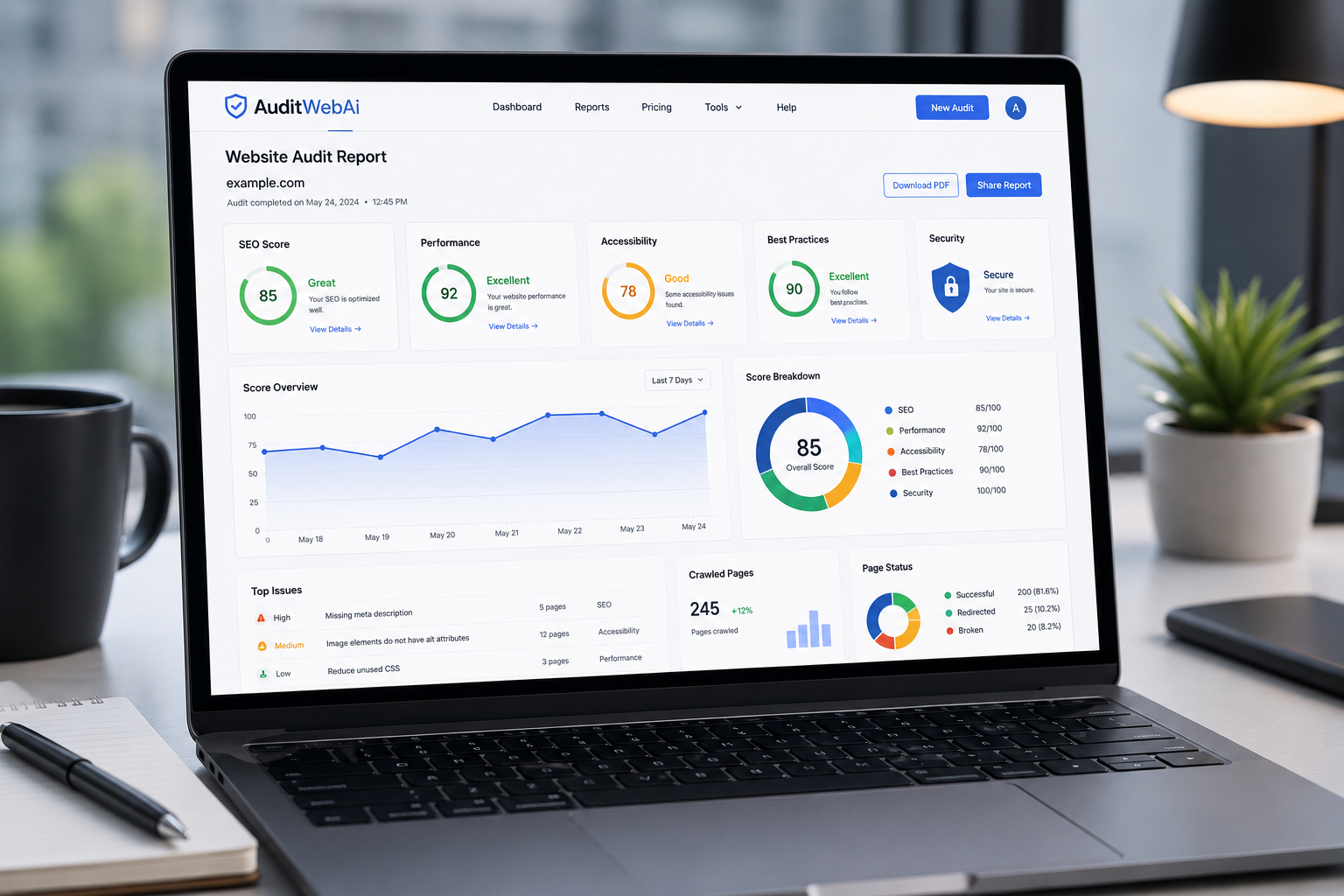
15. Use an Automated Website Audit Tool
Manual audits take time.
A professional website audit tool can analyze your website in minutes and identify:
- SEO issues
- Performance problems
- Accessibility errors
- Security recommendations
- Technical improvements
Automating audits allows you to focus on growing your business instead of manually checking every page.
Final Thoughts
Regular website audits are one of the easiest ways to improve search rankings, increase traffic, and deliver a better user experience.
Even small improvements—such as fixing broken links, optimizing images, and improving page speed—can have a significant impact over time.
If you haven't audited your website recently, now is the perfect time to start.
Run a complete website audit with AuditWebAI and discover opportunities to improve your SEO, performance, accessibility, and overall website quality.
FAQ
What is a website audit?
A website audit is a detailed analysis of your website that identifies SEO, performance, accessibility, and technical issues affecting its overall quality.
How often should I perform a website audit?
For most websites, performing an audit once every month is recommended. High-traffic websites may benefit from weekly audits.
Does website speed affect Google rankings?
Yes. Google considers page speed and Core Web Vitals as ranking factors, making website performance an important part of SEO.
Can I perform a website audit for free?
Yes. Many website audit tools, including AuditWebAI, allow you to analyze your website and discover important issues without complicated setup.