What Is a Website Audit? The Complete Guide
Think of your website as the digital storefront of your business. If a physical store has broken shelves, burnt-out lights, or confusing aisles, customers will leave before buying anything. The exact same principle applies to your website. Broken links, slow loading speeds, and poor SEO are the digital equivalents of a messy storefront.
To fix these issues, you need a website audit.
Whether you are launching a new marketing campaign, noticing a drop in organic traffic, or simply trying to outrank your competitors, a thorough audit is the foundation of digital success. In this comprehensive guide, we will break down exactly what a website audit is, why your business absolutely needs one, and how to conduct it effectively.
What Exactly Is a Website Audit?
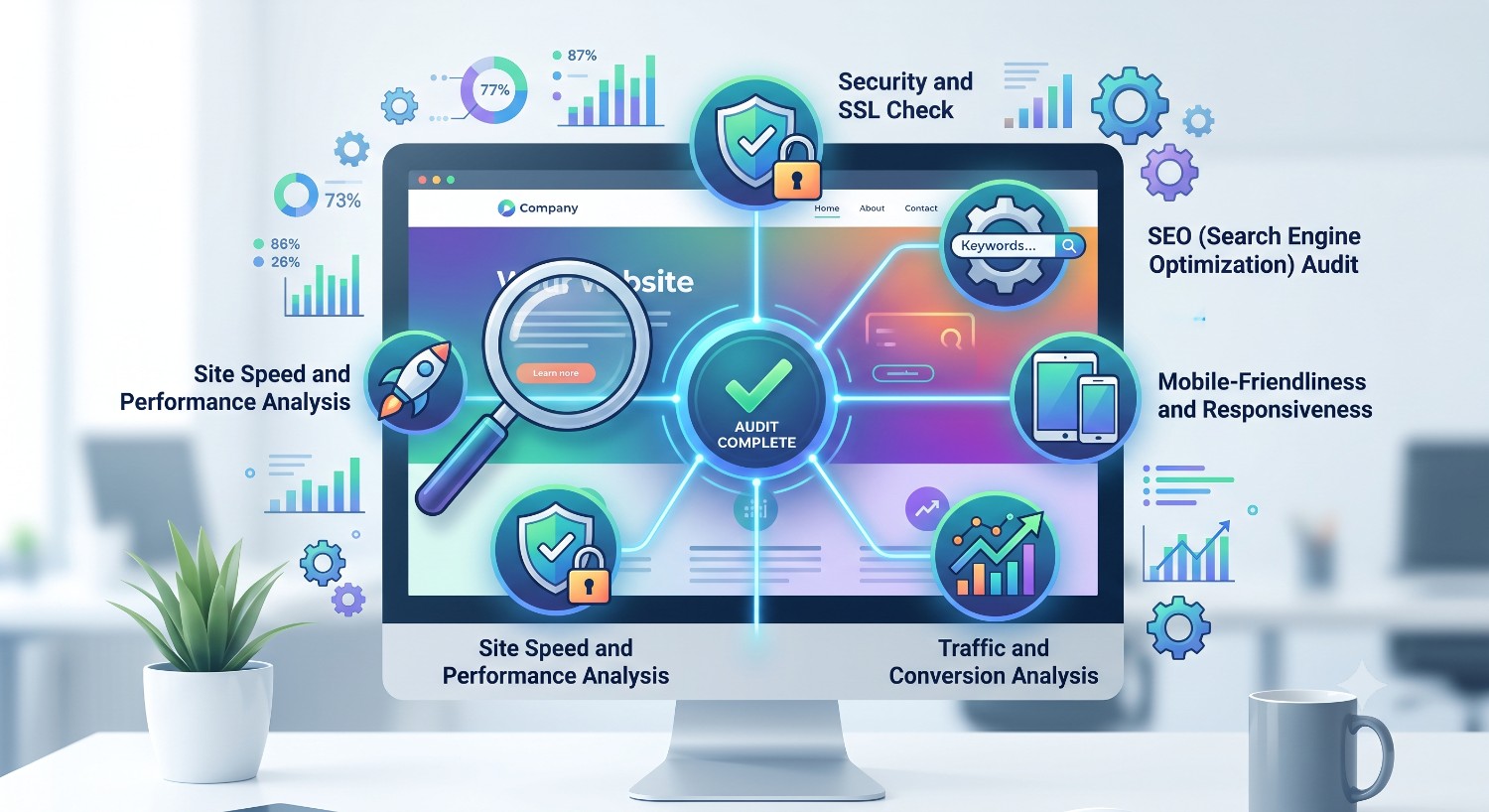
A website audit is a comprehensive examination of a website's performance, health, and visibility. It is a diagnostic process that evaluates your site across multiple dimensions—including Search Engine Optimization (SEO), user experience (UX), technical performance, content quality, and security.
The primary goal of an audit is to identify issues that are negatively impacting your website's ability to rank on search engines like Google, drive organic traffic, and convert visitors into paying customers. Rather than guessing why your bounce rate is high or why your sales are stagnant, an audit provides data-driven insights and a clear roadmap for improvement.
[Internal Link Suggestion: Anchor text like "discover how our AI-powered website audit tool works" pointing to your homepage or product features page.]
Why Is a Website Audit Important?
Many business owners build a website and then leave it untouched for years. The internet, however, is constantly evolving. Search engine algorithms update frequently, user expectations shift, and code becomes deprecated. Regular audits ensure your site stays competitive. Here is why you cannot afford to skip this process:
-
Improves Search Engine Visibility (SEO): Google rewards websites that are fast, secure, and relevant. An audit identifies missing meta tags, toxic backlinks, and keyword cannibalization, helping you align with Google’s latest ranking factors.
-
Enhances User Experience (UX): If users cannot navigate your site intuitively, they will leave. Audits highlight confusing layouts, broken navigation menus, and mobile-responsiveness issues.
-
Boosts Conversion Rates (CRO): Traffic is meaningless if it does not convert. By analyzing user behavior, an audit helps identify bottlenecks in your sales funnel and checkout process.
-
Identifies Technical Glitches: From hidden 404 errors to bloated JavaScript slowing down your load times, audits catch the silent technical killers of website performance.
-
Ensures Top-Tier Security: With cyber threats on the rise, a security audit ensures your SSL certificates are valid, plugins are updated, and user data is protected.
Types of Website Audits
A "website audit" is a broad term. Depending on your specific goals, you might need to focus on one or more of the following specialized audits:
1. Technical SEO Audit
This focuses on the foundation and backend of your site. Search engine bots need to be able to crawl and index your pages easily. A technical audit looks at:
-
XML Sitemaps and
robots.txtfiles -
Site speed and Core Web Vitals
-
Mobile-friendliness and responsiveness
-
URL structure and site architecture
-
Redirect chains and 404 error pages
2. On-Page SEO & Content Audit
Content is king, but only if it is optimized and relevant. This audit evaluates the actual content on your pages:
-
Keyword optimization and density
-
Title tags, meta descriptions, and header tags (H1, H2, H3)
-
Image optimization (alt text, compression)
-
Content gaps and duplicate content issues
-
Readability and value provided to the reader
3. Off-Page SEO (Link) Audit
Your website's authority is largely determined by the quality of sites linking back to you. A link audit analyzes:
-
The overall health of your backlink profile
-
Identification of toxic or spammy backlinks that need disavowing
-
Opportunities for new, high-quality link building
-
Internal linking structures
4. UX and Design Audit
This puts the user front and center. A UX audit assesses:
-
Navigation clarity and menu structures
-
Visual hierarchy and accessibility
-
Call-to-Action (CTA) placement and effectiveness
-
Color contrast and font readability
How to Conduct a Website Audit: A Step-by-Step Process
Conducting a manual audit of a large website is nearly impossible. Modern webmasters rely on intelligent tools to scan their sites. Here is a streamlined process to get you started.
Step 1: Run a Full Site Crawl
Before you can fix anything, you need a complete picture of your website. Use an advanced crawling tool to scan every page, image, and link on your domain.
Step 2: Analyze Technical Health and Speed
Check your site speed using tools like Google PageSpeed Insights. If your site takes longer than three seconds to load, you are losing visitors. Optimize your technical health by compressing large images, enabling browser caching, and minifying CSS/JavaScript. Ensure your site is fully responsive on all mobile devices.
Step 3: Review On-Page Optimization
Export a list of all your web pages and assess their SEO metrics. Make sure every page has a unique, compelling Title Tag and Meta Description. Check that your target keywords are naturally integrated into your H1 and H2 tags.
Step 4: Evaluate Content Quality and Prune
Look at your website analytics to see which pages are getting traffic and which are dead zones.
-
Keep: High-performing pages.
-
Improve: Pages with decent impressions but low click-through rates.
-
Prune/Redirect: Outdated, thin, or duplicate content that offers no value.
Step 5: Check Your Internal and External Links
Broken links create a frustrating user experience and signal poor maintenance to search engines. Identify and fix any 404 errors by updating the links or setting up 301 redirects. Additionally, ensure your internal linking strategy logically guides users from high-traffic pages to your core product or service pages.
Essential Tools for Auditing Your Website
You do not have to tackle this process blindly. The right toolkit makes all the difference:
-
Google Analytics 4 (GA4): Essential for understanding user behavior, traffic sources, and conversion metrics.
-
Google Search Console (GSC): Directly from Google, this tool tells you how the search engine views your site, highlighting indexing errors and core web vitals.
-
AuditWebAI: Leveraging artificial intelligence, a dedicated audit platform can instantly crawl your site, flag critical technical SEO errors, analyze content gaps, and generate actionable, easy-to-read reports without requiring deep technical expertise.
-
Speed Testing Tools: GTmetrix and Google PageSpeed Insights are crucial for diagnosing slow loading times.
How Often Should You Audit Your Website?
The frequency of your audits depends on the size and scope of your website:
-
Small Websites (Under 50 pages): A full audit once every 6 to 12 months is usually sufficient.
-
Medium to Large Business Sites: A quarterly audit is recommended to catch issues early.
-
E-commerce or Enterprise Sites: Continuous monitoring with at least a monthly technical audit is necessary due to the constant addition of new products, pages, and user interactions.
Regular maintenance ensures small technical glitches do not snowball into massive drops in organic traffic and revenue.
Your website is a living, breathing digital asset. By routinely diagnosing its health through comprehensive website audits, you ensure it remains fast, user-friendly, and highly visible to search engines. Taking the time to analyze your technical SEO, content quality, and user experience will ultimately translate into higher rankings, better engagement, and increased sales.